
Alternatives to expensive software that actually make sense
Adobe, Microsoft and other big-name tools are obviously powerful, but with subscription prices going up, I wanted to see whether there are cleaner, cheaper or free alternatives that are actually usable.
 Daniel Šebesta
Adobe, Microsoft or Autodesk used to be the obvious default choices, but the software world has changed a lot in the last few years. Today, for most everyday work, there are tools that are free, open-source or at least priced more reasonably. Not as emergency replacements when you cannot afford Adobe, but as real alternatives you can comfortably live with.
Here is my selection of the best programs I actively use, or have at least tested enough to recommend.
Documents, spreadsheets, presentations
Microsoft 365 is a yearly subscription and, depending on the plan, you are looking at amounts in the thousands of Czech crowns. But if you do not need corporate Excel sharing, comments and macros, free alternatives may be enough.
LibreOffice is still free, open-source and handles common Microsoft Office formats well.
ONLYOFFICE offers free desktop editors, feels more modern and looks closer to the original Microsoft Office than LibreOffice. It is available for Windows, macOS and Linux, and for normal writing, spreadsheets and presentations it is more than enough for most people.
Google Docs is not great from a privacy perspective, but as a product it is very capable, and because it runs in the browser, it works basically everywhere.
Among privacy-first tools, dDocs by Fileverse is worth mentioning. It is an end-to-end encrypted alternative to Google Docs / Word, runs in the browser, does not require an account, and supports offline mode, Markdown and LaTeX. The same company also makes dSheets, a decentralized alternative to Google Sheets / Excel. Both apps are still in public beta, so I would treat them more as interesting tools to try than as a primary office suite.
I was also recently interested in Euro-Office, after it appeared on the Tuta blog (formerly Tutanota). It is a European open-source initiative around a web office editor, built on a fork of ONLYOFFICE, with companies and projects such as Nextcloud, IONOS, Tuta, XWiki, OpenProject, Open-Xchange, Proton, Soverin and Office EU involved. Euro-Office itself is more of an editor meant to be integrated into other services, while Office EU is one of the participating projects and is also building a broader European cloud suite with documents, storage, email, calendar and video calls. If you like the idea of a European replacement for Microsoft 365 / Google Workspace, I would definitely keep an eye on it. It looks interesting, but it is still fresh, and there is already discussion around the ONLYOFFICE fork and default formats, so for now I would mainly treat it as a project to watch.
For forms instead of Google Forms, I would recommend Tally. It works a bit like writing a document, looks more modern than Google Forms, and under fair use it offers forms and responses for free.
Email client
Outlook is honestly unnecessary for me at this point. For email, Thunderbird has been enough for a long time. It is free and easy to set up.
On Android I use Thunderbird for Android, which is based on K-9 Mail, and it is much better than having five different apps for different providers.
Video calls
Google Meet and Zoom are OK, but I would rather look at Czech community alternatives: Nolog Talk (an OpenTalk instance by the Nolog association) and vpsFree Meet (Jitsi by the vpsFree.cz community hosting project). Both can be used for free and without registration.
Password manager and notes
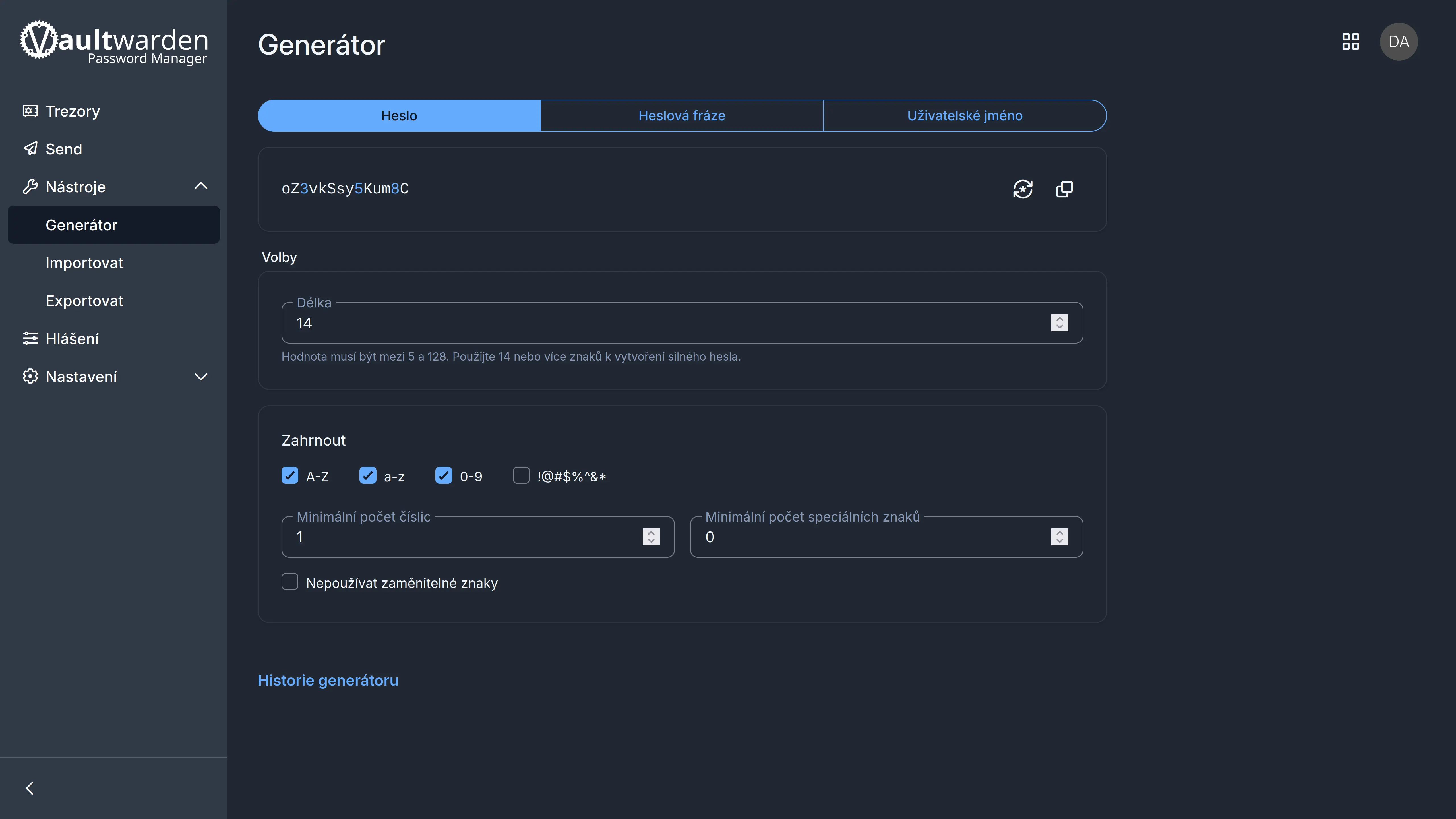
If there is one thing I would recommend to almost everyone in 2026, it is a password manager. Bitwarden has unlimited passwords, unlimited devices and passkeys in the free plan, so for a normal person there is not much to overthink. And if you want to host it yourself, Vaultwarden is an unofficial lightweight self-hosted implementation of the Bitwarden API in Rust, compatible with the official clients - this is exactly what I host at home on my homeserver (article coming soon!).
A good alternative to Notion is AppFlowy, an open-source workspace for projects, wikis, databases and notes. If you are looking more for an Obsidian alternative, Logseq, Anytype or Trilium Notes make more sense. For Google Keep-style notes, I use Blinko.
Video and photo editing
For video editing in 2026, one of the strongest choices is DaVinci Resolve. It is made by Blackmagic, a company that produces cameras and other gear for filmmakers and enthusiasts. You can either use the free version with some limitations, or buy a one-time Studio license (around CZK 7,000-8,000 depending on the seller). Resolve comfortably covers editing, color grading, effects, motion graphics, audio post-production and, since version 21, static photo work through a dedicated Photo page. For smaller edits, Kdenlive is also fine. And for format conversions or scripted processing, FFmpeg is the best.
For 2D motion graphics as an alternative to part of the work people do in After Effects, Cavalry is a good program, free for individuals on macOS and Windows. Alternatively, you can use the Fusion tab directly in DaVinci Resolve.
For photos, there are plenty of programs, for example darktable and RawTherapee. They are not as friendly as Lightroom, but they can do a lot and are free. A very interesting new option is RapidRAW, a modern open-source RAW editor aimed directly at a Lightroom-like workflow. It is non-destructive, GPU-accelerated, has a photo library and runs on Windows, macOS and Linux, but it is still in active development, so I would treat it as a promising alternative to try. If you do not want Lightroom and want something reasonable, I can recommend Czech Zoner Studio. The official yearly license for one person currently costs CZK 1,499, although reseller discounts can of course vary.
Graphics
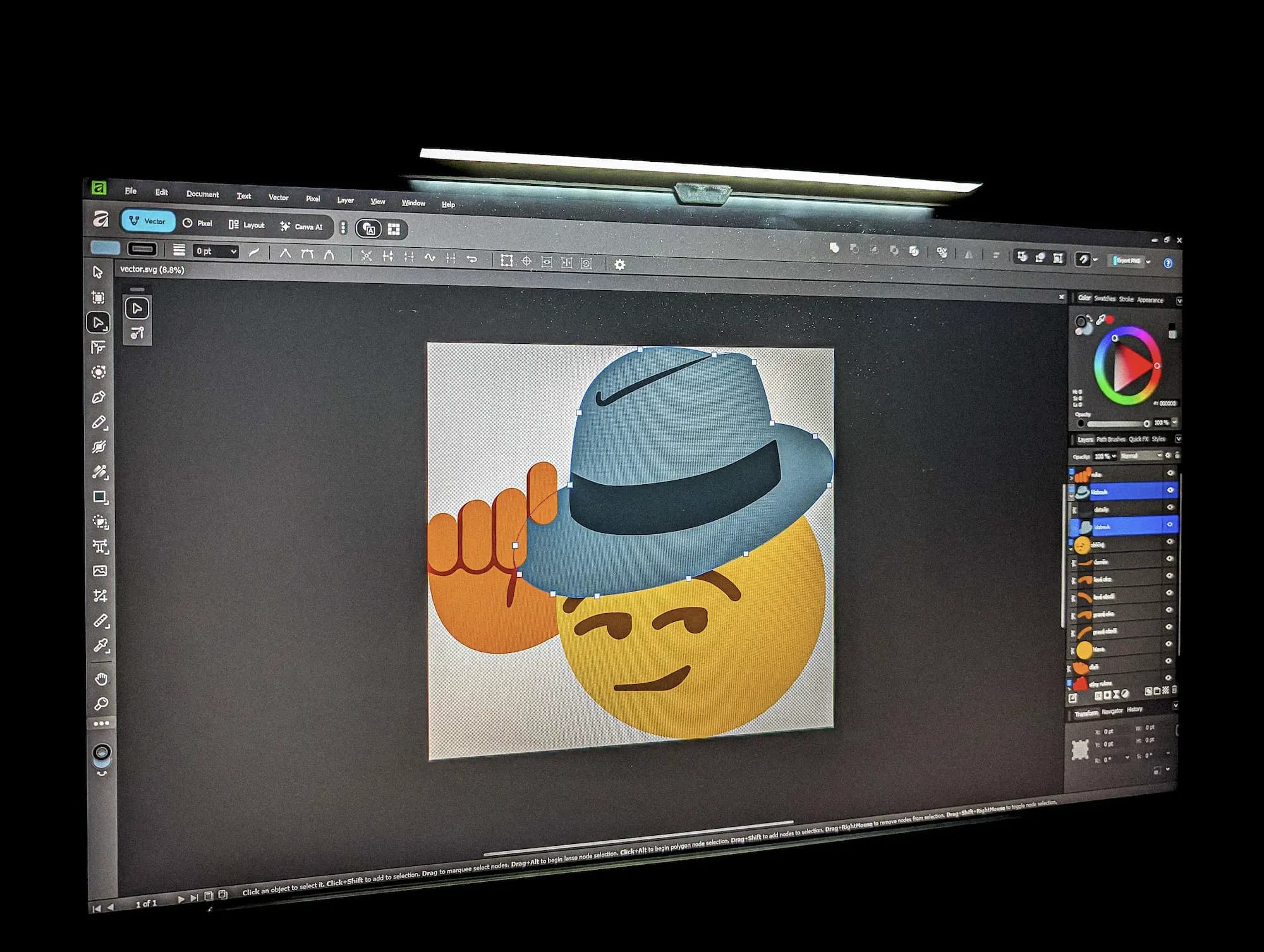
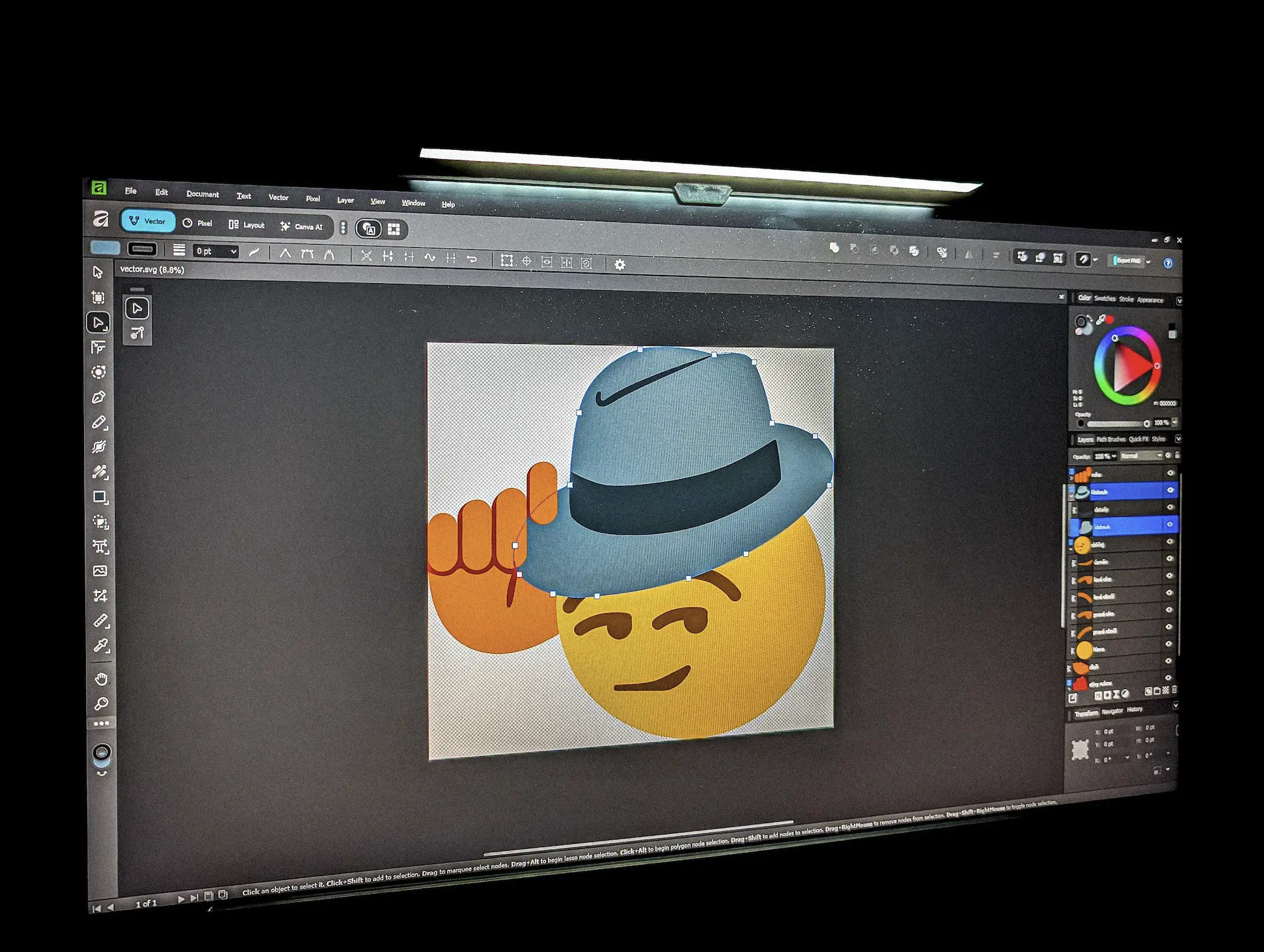
The most interesting recent development in graphics software is Affinity: the whole company was acquired by Australian Canva, and the new Affinity app is now offered free for individuals (with a paid Canva account you also get some AI features, but the main part of the app is completely free). The current version is available for macOS and Windows, with iPad support planned for later. There is no official Linux support, but I managed to run it through Linux-Affinity-Installer. Affinity is one of the most interesting options for anyone who needs to make simple graphics or edit photos.
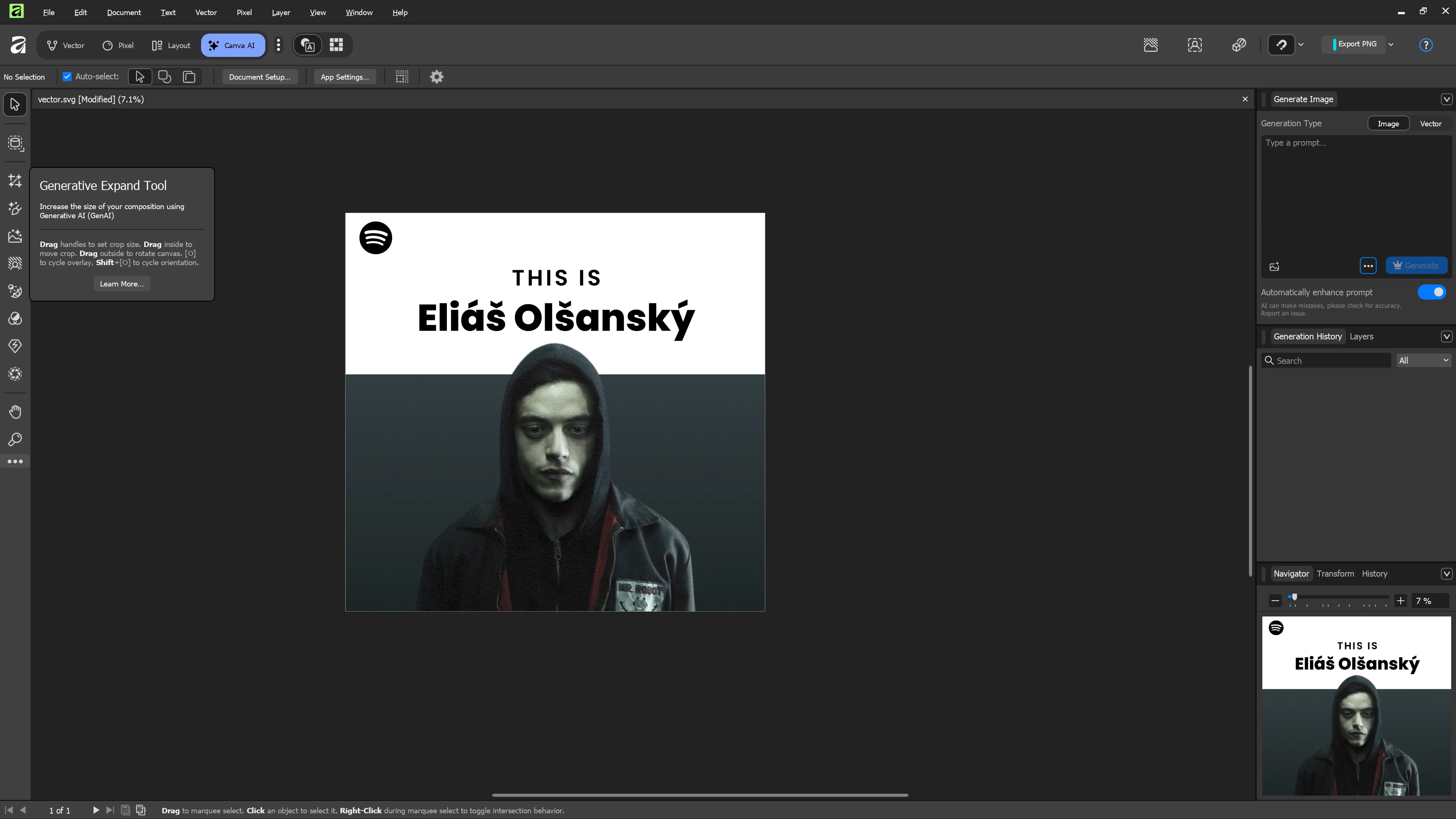
When I need a really quick edit, or I do not have Affinity and other programs available, Photopea works in the browser almost everywhere and works great. It is an online editor very similar to Photoshop, created by Ivan Kutskir in Prague.
For drawing, Krita is excellent - a professional open-source painting program. GIMP is still relevant, especially if you want a purely open-source solution or something that runs natively on Linux.
Audio, vectors and 3D models
For recording and editing audio, I recommend Tenacity (a fork of Audacity).
For vectors, I personally use Inkscape (or Affinity / Figma).
For 3D modeling, Blender is the best free and open-source choice. If you need something closer to CAD, I can recommend Onshape, which runs fully online and has a layout fairly similar to expensive Autodesk tools. But be careful with the free plan: it is only for non-commercial use and documents are public.
Operating system
For the more adventurous, there is of course an alternative to Windows itself: Linux. It is not for everyone, and not everything works the same way as on Windows, but if most of your work happens in a browser or in programs that have Linux versions, it is no longer exotic.
I have had good experience mainly with Linux Mint, Debian, CachyOS and Fedora. I would recommend Mint to people who want the calmest transition from Windows. Debian is a very stable base. Fedora is more modern, but still reasonably reliable. CachyOS is a fast Arch-based system for people who do not mind experimenting a bit more.
Conclusion
Paid software makes sense when it earns you money. If Photoshop, Premiere or Lightroom pay for themselves every month, I have no problem with that. But for a blog, event posters, everyday photos, home video, writing and normal digital life in 2026, it is no longer true that you cannot exist without Adobe, Microsoft or other big names.
The hardest part today is not living without expensive software. The hardest part is choosing from so many good options.